How to use Claude: a practical guide for real work

Claude is Anthropic's AI assistant, available at claude.ai and in desktop and mobile apps. It is known for careful writing, long-document work and a strong coding assistant called Claude Code. Here is how to get real value from it fast.
The short answer
Choose one document task, provide approved reference material and state the output you need. Use a Project for recurring context and an Artifact for work you will inspect and edit. Verify progress claims, dates and quotations against the original files before sharing.
Step 1: Set up and pick your first real task
Create your account and start with one genuine task, not a test question: a proposal to tighten, a contract to summarise, a process to document. Claude reads long files - PDFs, docs, spreadsheets - so upload the real thing instead of pasting fragments.
Step 2: Use Projects as your workspace
A Project keeps its own knowledge: upload your style guide, past examples, product notes. Every chat inside that project answers with that context. This is the difference between a generic assistant and one that sounds like your business.

Worked example, fictional data:
- 1. Source notes: Intake form drafted. Client review is pending. No launch date agreed.
- 2. Task + format: Write a short weekly update: completed work, open questions and next steps.
- 3. Guardrails: Use only these notes. Do not invent progress or dates. Flag missing facts.
Step 3: Use Artifacts for anything you will edit
When you ask for a document, table, or piece of code, Claude can open it as an Artifact - a separate panel you can iterate on without losing the conversation. Ask for the draft as an Artifact, then refine: "shorter", "more formal", "add a pricing table".
Step 4: Let it think longer on hard problems
Claude's extended thinking modes spend more time reasoning before answering. Use them for analysis, planning and tricky trade-offs; skip them for quick rewrites where speed matters more.
Step 5: Verify what matters
Claude is careful but not infallible. Check figures, dates and quotations against the source documents you uploaded - ask "quote the exact line" to make verification fast.
Pro tips
- Give Claude a role plus a reviewer: "Draft it, then critique your own draft and improve it."
- For style matching, paste three real examples and say "write like these".
- Claude is direct about uncertainty - when it says it is not sure, believe it and check.
- Developers: Claude Code works inside your terminal and editor on real codebases.
Plans (checked 22 November 2026)
There is a Free tier with limited usage in rolling windows, and paid plans (Pro, then Max and Ultra for heavier use) that raise limits and add features. Team and Enterprise plans exist for organisations. Current pricing: https://claude.com/pricing
Try one bounded work task
Create a project for a fictional client engagement. Add a short style guide and a sample project note that contains no confidential information. Ask for a weekly update, then ask which source lines support each claim.
Example brief: Use the attached fictional project notes to draft a weekly client update: completed work, open questions and next steps. Do not create progress that is not in the notes. Put unknown dates in an open-questions list. Make the result easy to edit.

Review the example:
- Source or limit: Intake form drafted. Client review pending. No launch date agreed.
- Safe to say: The intake form draft is ready for client review. It matches the source.
- Not supported: We launch on Friday. Remove or ask: no date was agreed.
Check the output before using it
Check every progress claim against the notes. Keep an editable version, but do not share an Artifact or project link until you have checked its contents and audience.
- Check the source material, not just the wording of the answer.
- Keep missing facts visible instead of filling them with guesses.
- Review the recipient and sharing permissions before anything leaves your team.
- Stop if the tool asks for information or access the task does not need.
Choose the right next tool
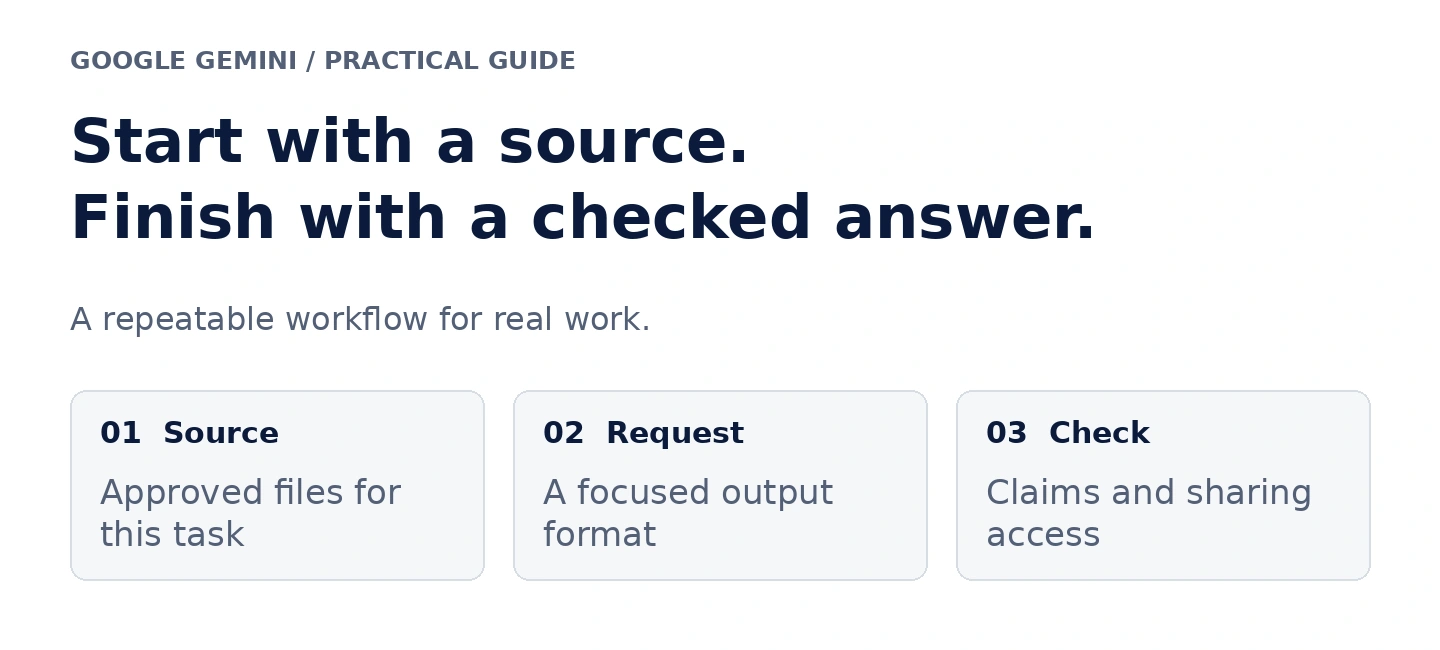
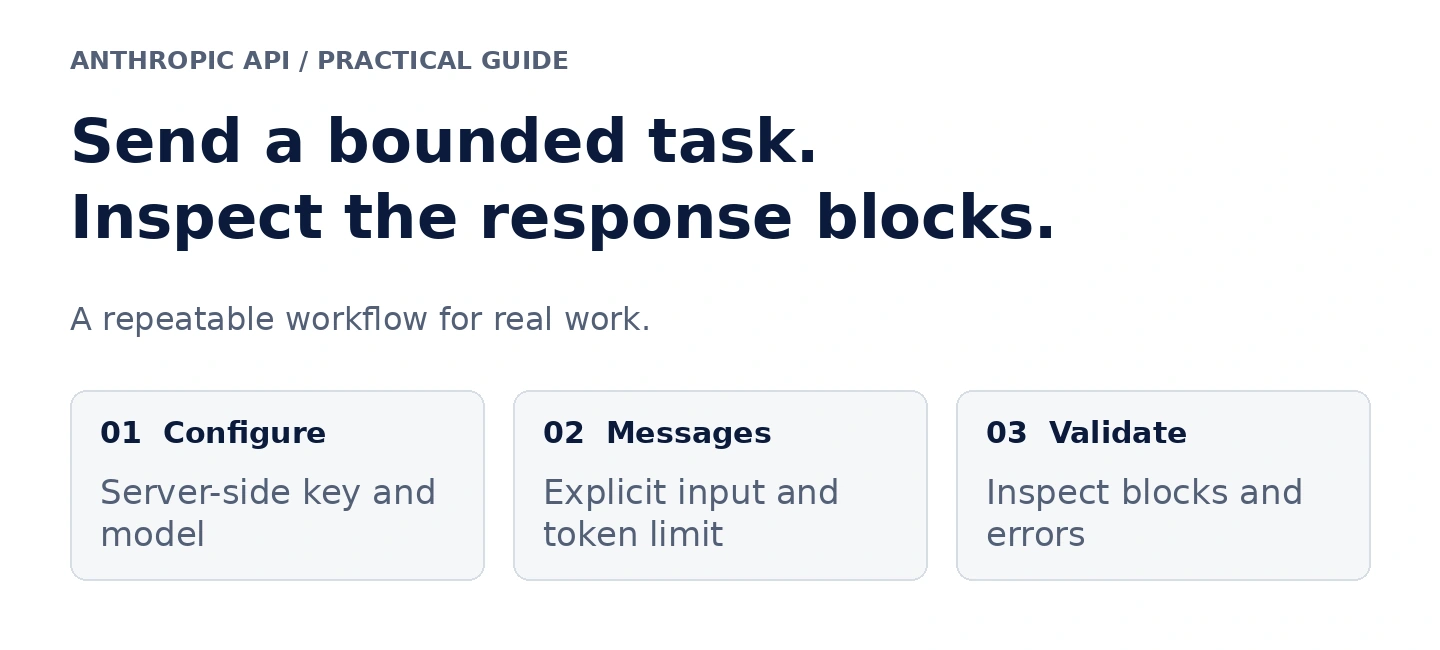
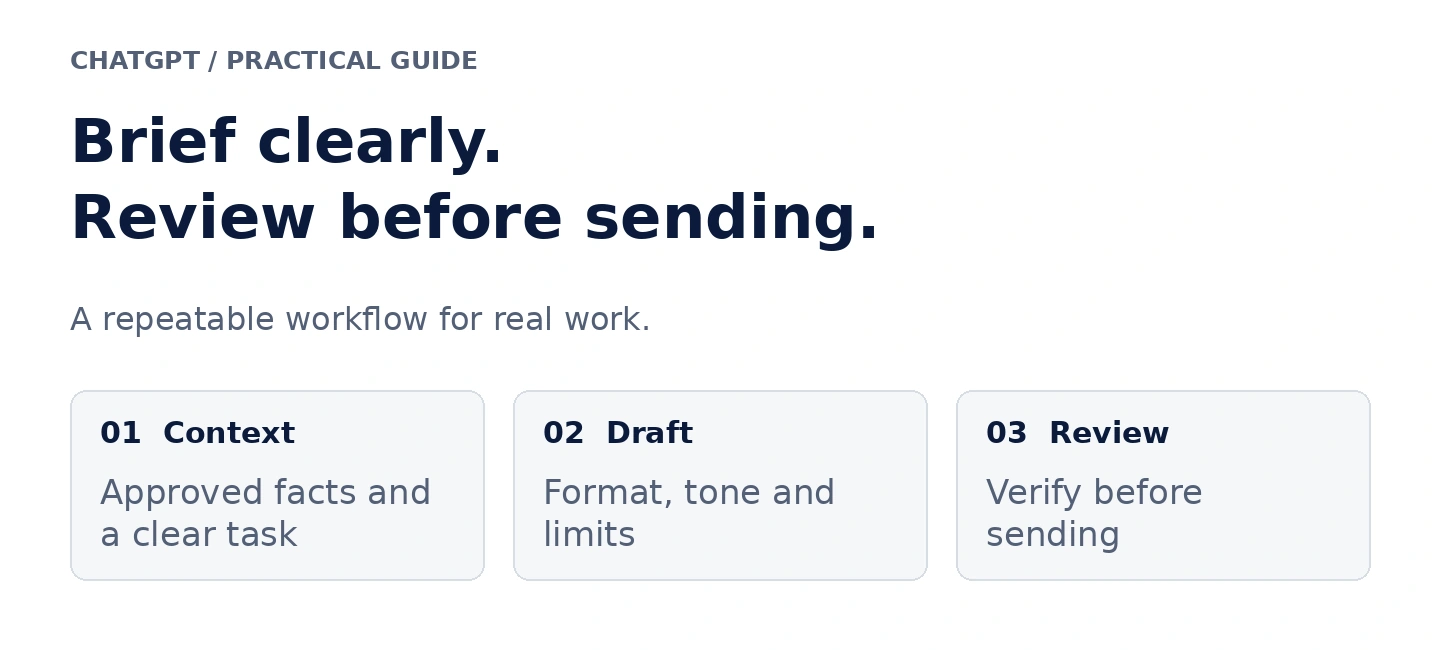
For adjacent tasks, read ChatGPT for one-off work, the Anthropic API for software integrations, Gemini for existing Google documents. These are different workflows, not a ranking of the tools.
Official reference
This guide uses the current official getting-started guidance. Features and account access can change. Check the provider before buying a plan or connecting business data.
FAQ
Quick answers
Is Claude free to use?
Yes. Claude has a free tier with limited usage in rolling windows. Pro, Max and Ultra plans raise limits and add features.
What is Claude best at?
Long-document work, careful writing, analysis and coding. Projects hold your documents as context, and Artifacts give you editable drafts.
Claude or ChatGPT - which should I choose?
Both are capable. Claude is often preferred for long documents and measured writing; ChatGPT offers a broader tool ecosystem. Run the same real task on both and compare.
What is the difference between a Project and an Artifact?
A Project groups related work and reference context. An Artifact is a work product created in a conversation that you can inspect and revise.
What should I upload to a Project first?
Start with a short approved reference document and a style guide. Do not upload confidential client information until your organization has approved the account and data terms.
How can I check a document summary?
Ask for supporting passages, then open the original document and check them. A fluent summary is not proof that a statement is supported.
Should I share every Artifact link?
No. Inspect the contents and the sharing audience first. A document can contain private details even when its layout looks finished.
When is the API a better fit than Claude chat?
Consider the API when a software workflow needs repeatable inputs, validation, logging and explicit access controls rather than an interactive conversation.
IN THE DIRECTORY
See how this tool compares, what it costs and what it is best for.
Open the tool page →