How to use Google Gemini: a practical guide for real work

Gemini is Google's AI assistant, at gemini.google.com and in the mobile apps. Its home advantage is integration: if your business lives in Gmail, Docs, Drive and Calendar, Gemini sits inside the tools you already open all day.
The short answer
Start with a small document or drafting task in the account your organization approves. Give Gemini clear context and ask it to flag missing facts. If you use Workspace features, confirm your administrator enables them, then compare the output with the original document.
Step 1: Start with your actual day
Open Gemini and give it a real task from today: summarise this long email thread, draft a reply in my tone, turn these meeting notes into action items. Generic tests tell you nothing; real work tells you everything.
Step 2: Use the Google connection
Gemini can pull context from your Drive, Gmail and Calendar when you allow it: "Find the vendor proposal in my Drive and summarise the pricing section." This is the feature rivals cannot match - your documents are already there.

Worked example, fictional data:
- 1. Source notes: Fictional team note: draft the intake form and review reminder wording. Owners and dates are open.
- 2. Task + format: Make a task table with task, owner, due date and open questions.
- 3. Guardrails: Use only the approved notes. Mark missing owners and dates as not agreed. Check sharing access.
Step 3: Try Deep Research for questions that matter
Deep Research browses dozens of sources and writes a referenced report. Use it for market scans, vendor comparisons and "what changed in this regulation" questions. Always open the two or three key sources it cites before relying on the summary.
Step 4: Make Gems for repeated jobs
A Gem is a saved, customised version of Gemini with standing instructions: "You are our proposal writer - use this structure, this tone, these services." Build one Gem per repeated job and your team stops re-briefing the AI every time.
Step 5: Images, video and voice
Gemini generates and edits images, and paid tiers include advanced tools like Veo for video. Voice conversation on mobile is solid for capturing ideas hands-free and having them structured afterwards.
Plans (checked 22 November 2026)
The free tier covers everyday use with standard limits. The US pricing page lists Google AI Plus at US$4.99/month, Pro at US$19.99/month, Ultra 5x at US$99.99/month and Ultra 20x at US$199.99/month. These are US monthly list prices, not an India quote. Currency, taxes, offers and availability can vary by country and account. Check your signed-in local checkout before buying: Google AI plans.
Pro tips
- In Docs, use "Help me write" for first drafts, then edit hard - the edit is where quality comes from.
- Ask Gemini to format output as a table when comparing options; it renders cleanly.
- Connect only the apps you actually need; review permissions once a quarter.
- For multilingual work, Gemini is strong - draft in English, adapt to the customer's language, then have a native speaker check.
Try one bounded work task
Start with a fictional meeting note containing three decisions and two open questions. Ask for an action list with owners only where a person is explicitly named. Verify that suggestions have not been presented as agreed actions.
Example brief: From these fictional notes, create an action list with columns for action, named owner, stated deadline and source sentence. If an owner or date is missing, write not specified. Keep suggestions separate from agreed decisions.

Review the example:
- Source or limit: The notes name two tasks. No owner or due date is agreed.
- Safe to say: The intake form needs a draft. Its owner and due date are open.
- Not supported: Alex will launch it on Monday. Neither the person nor the date is in the notes.
Check the output before using it
Compare each action with the original note. Check that your Workspace administrator allows the feature and that you are using the intended personal or work account.
- Check the source material, not just the wording of the answer.
- Keep missing facts visible instead of filling them with guesses.
- Review the recipient and sharing permissions before anything leaves your team.
- Stop if the tool asks for information or access the task does not need.
Choose the right next tool
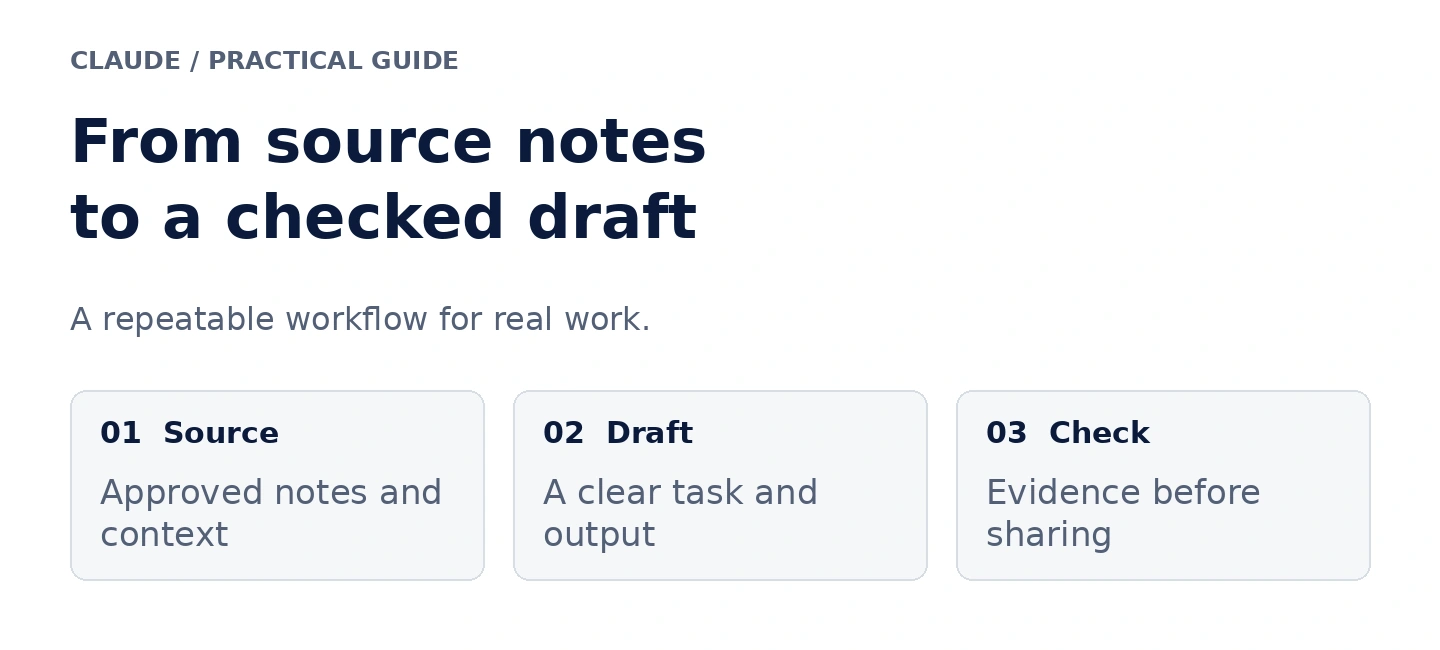
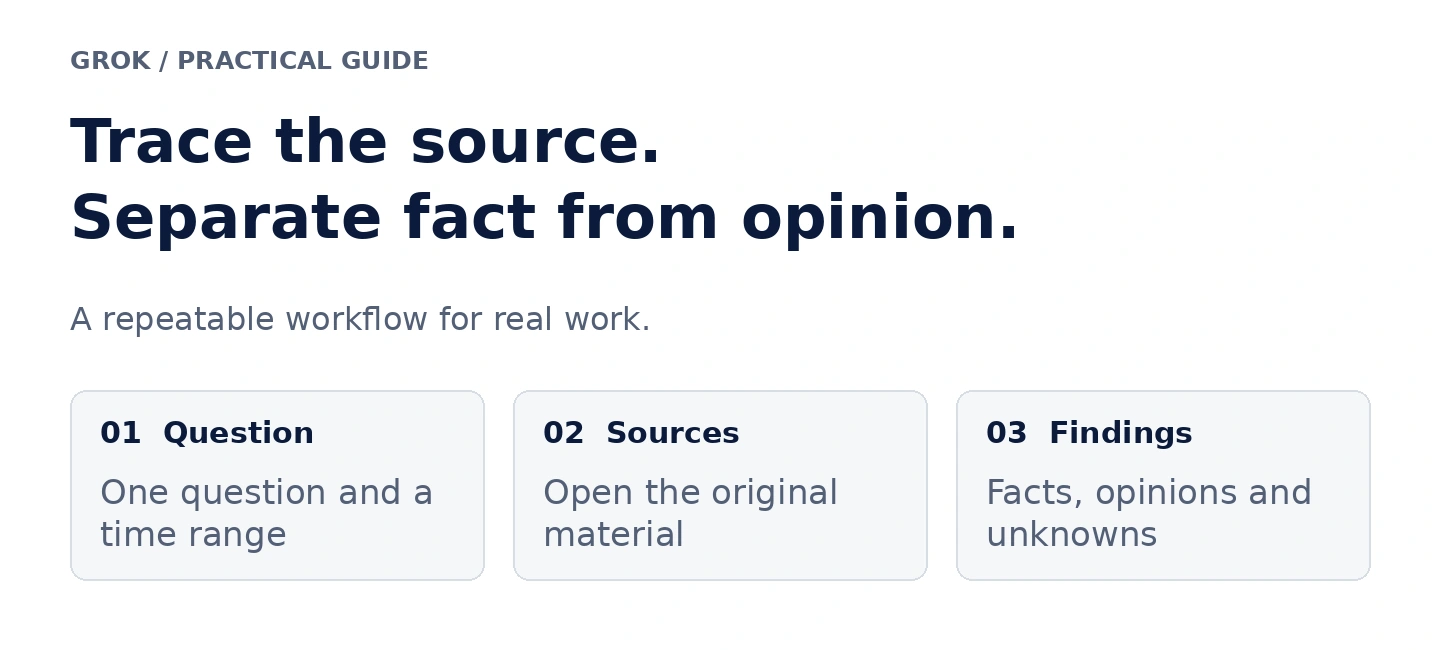
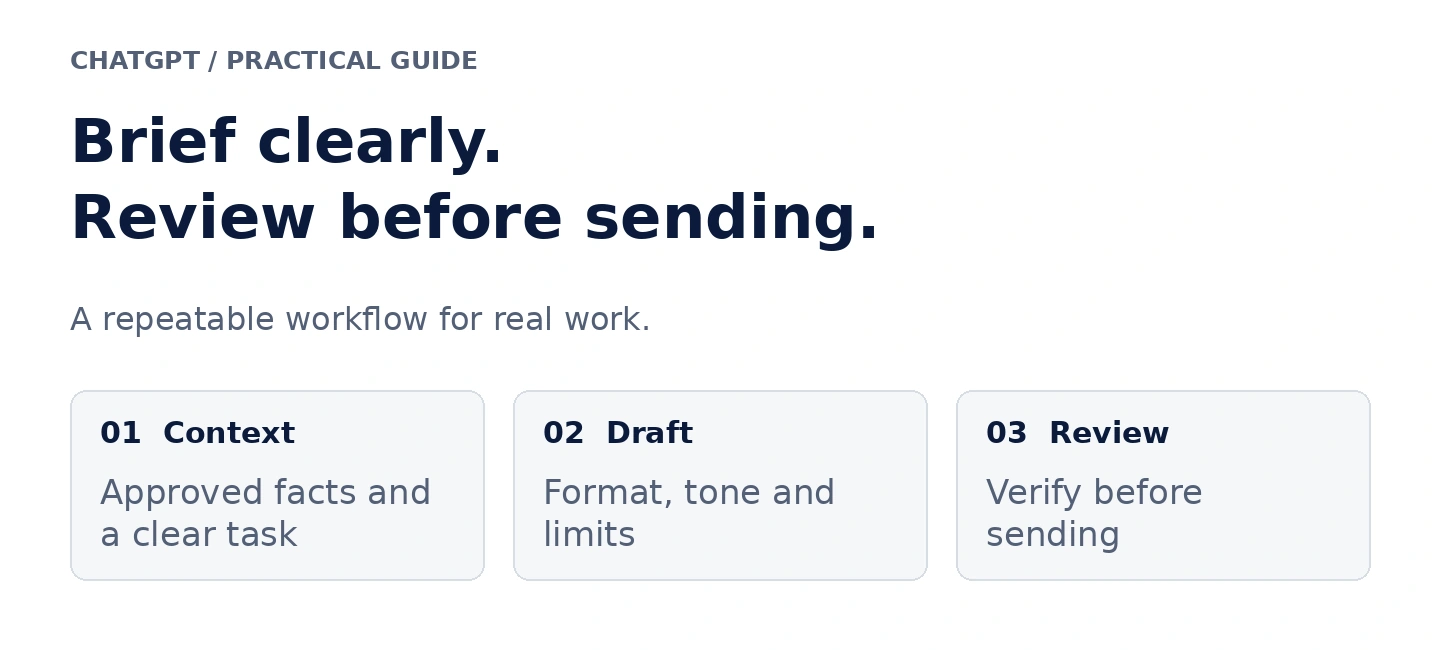
For adjacent tasks, read ChatGPT for another drafting workflow, Claude for recurring document work, Grok for reviewing public discussions. These are different workflows, not a ranking of the tools.
Official reference
This guide uses the current official getting-started guidance. Features and account access can change. Check the provider before buying a plan or connecting business data.
FAQ
Quick answers
Is Google Gemini free?
Yes, with standard usage limits. Paid plans start at Google AI Plus ($4.99/month) and Google AI Pro ($19.99/month), with an Ultra tier for heavier use (checked 22 November 2026).
What makes Gemini different from ChatGPT?
Deep integration with Google Workspace: Gemini can work inside Gmail, Docs, Drive, Calendar and Meet with the right plan.
What are Gems?
Gems are saved, customised versions of Gemini with standing instructions - build one per repeated job so the team stops re-briefing the AI.
Do all Workspace accounts have the same Gemini features?
No. Use the features your organization and account support. Google directs Workspace users to their administrator when a feature is unavailable.
How do I write a useful Gemini prompt?
Use natural language and provide the task, relevant context, desired output and constraints. Start with one small job that you can check.
Can I turn meeting notes into an action list?
Yes, you can ask for a draft action list. Verify owners, deadlines and decisions against the original notes before circulating it.
What if Gemini invents an owner or deadline?
Ask it to write not specified when the notes lack that detail, then check the output yourself. Do not treat a suggested action as an agreed decision.
Are the prices in this guide an India quote?
No. The quoted figures are US monthly list prices from the checked page. Local currency, tax, offers and account availability can differ.
IN THE DIRECTORY
See how this tool compares, what it costs and what it is best for.
Open the tool page →