How to use the Anthropic API: Claude in your own product

The Anthropic API puts Claude - the model family behind claude.ai - inside your own software: support agents, document processing, analysis pipelines. This guide gets you from console signup to a first working request, with the cost controls to run it safely.
The short answer
Create a Console account, check API billing and store a workspace API key securely. Send a small Messages API request using an available model and an output-token limit. Inspect the content blocks and validate the result before it drives another action.
Step 1: Console, workspace and key
In the Anthropic Console, create a workspace for your project, then generate an API key. Store it immediately in a secrets manager or environment variable; keep its permissions restricted to the intended project or workspace.
Step 2: Your first request
Install the official SDK with pip install anthropic. Set ANTHROPIC_API_KEY securely and set ANTHROPIC_MODEL to a model available in your workspace. The client reads the API key from the environment:
import os
from anthropic import Anthropic

client = Anthropic()
message = client.messages.create(
    model=os.environ["ANTHROPIC_MODEL"],
    max_tokens=200,
    messages=[{"role": "user", "content": "Summarise this fictional note: please call me back."}]
)
for block in message.content:
    if block.type == "text":
        print(block.text)
This example follows the current Messages API shape but was not executed using paid API credits. A request can incur charges; check billing and model access before running it.

Worked example, fictional data:
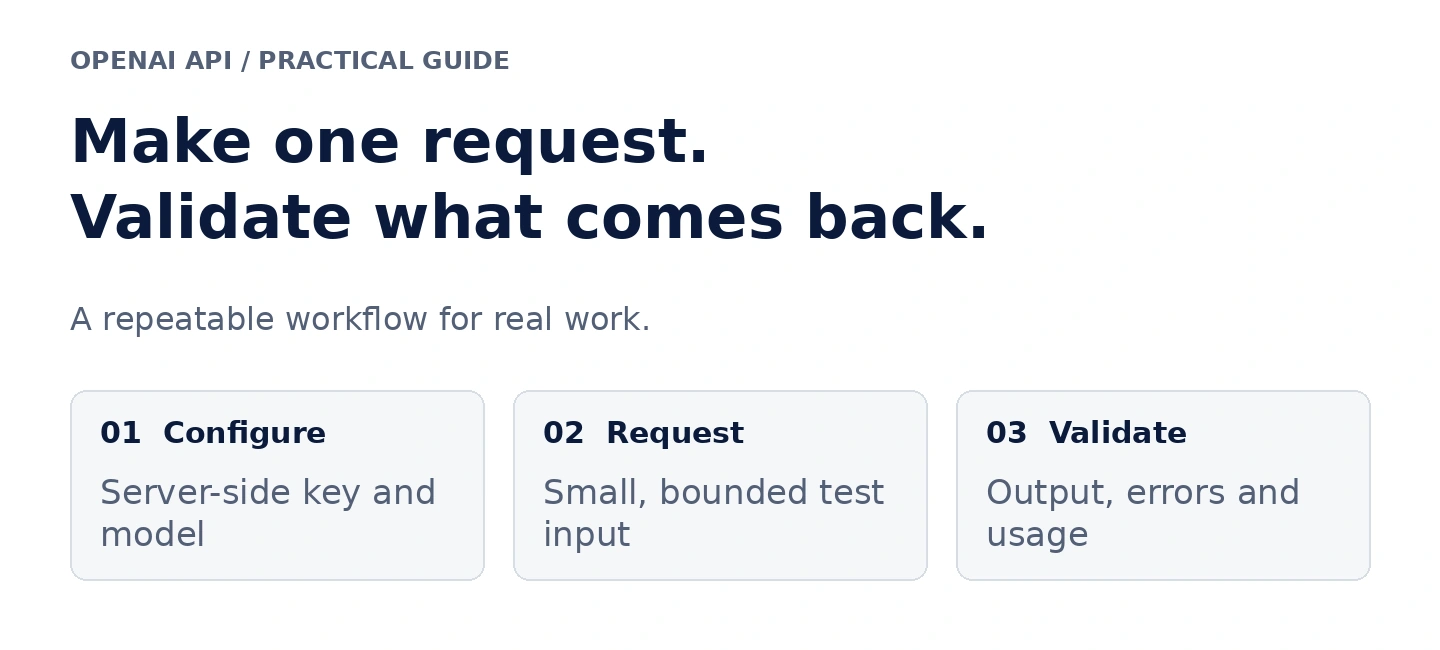
- 1. Configure: Keep ANTHROPIC_API_KEY server-side. Choose a model available to your account.
- 2. Request: Use the Messages API with a fictional ticket and an explicit max_tokens allowance.
- 3. Validate: Inspect content block types. Validate the result before using it. Handle missing or unexpected output.
Step 3: Pick the right Claude size
The Claude family comes in tiers - a fast, cheap tier for high-volume simple tasks (Haiku), a balanced tier for most real work (Sonnet), and a top tier for the hardest reasoning (Opus). Route each workflow to the smallest tier that passes your quality bar; this one decision drives most of your bill.
Step 4: Use the features that cut cost and latency
Prompt caching reuses long repeated context (your system prompt, product docs) across calls at a fraction of the cost. Batch processing handles large offline jobs at a discount. Both are documented in the console and are the difference between a demo bill and a production bill.
Step 5: Build the safety rails before you need them
Validate every response before it touches a customer, set spend alerts in the console, log requests so you can audit quality, and keep a human approval step on outward-facing actions until the workflow has earned trust.
Pricing (checked 22 November 2026)
API usage is pay-as-you-go per million tokens, with rates varying by model tier; prompt caching and batch mode reduce effective cost. Current rates: https://www.anthropic.com/pricing
Try one bounded work task
Start with one fictional support note and ask for a short classification or summary. Validate the returned structure, record only the non-sensitive diagnostics you need, and keep the next external action under human review.
Example brief: Classify this fictional support note as billing, appointment or other. Return the chosen label and quote the words that support it. If the evidence is insufficient, choose other.

Review the example:
- Source or limit: The tutorial is a documentation-based example, not a captured API execution.
- Safe to say: Inspect text blocks and validate the answer before the workflow uses it.
- Not supported: The sample already classified a real customer ticket. No live customer task was run.
Check the output before using it
Use a key scoped to the intended workspace, an available model and a bounded output limit. Inspect text blocks rather than assuming every response is a single string. Avoid logging keys or confidential request bodies.
- Check the source material, not just the wording of the answer.
- Keep missing facts visible instead of filling them with guesses.
- Review the recipient and sharing permissions before anything leaves your team.
- Stop if the tool asks for information or access the task does not need.
Choose the right next tool
For adjacent tasks, read Claude chat if you do not need an integration, the OpenAI Responses API, an interactive ChatGPT workflow. These are different workflows, not a ranking of the tools.
Official reference
This guide uses the current official getting-started guidance. Features and account access can change. Check the provider before buying a plan or connecting business data.
FAQ
Quick answers
How do I get an Anthropic API key?
Sign up at console.anthropic.com, add billing, create a workspace and generate an API key. Store it securely - it is shown only once.
How is the Anthropic API billed?
Pay-as-you-go per million tokens, varying by model tier. Prompt caching and batch processing reduce effective costs.
Which Claude model tier should I start with?
Start with the balanced tier (Sonnet), drop to the fast tier (Haiku) for simple high-volume tasks, and reserve the top tier (Opus) for the hardest reasoning.
Which API endpoint is used here?
The example uses the Messages API at /v1/messages. The official quickstart shows the required model, max_tokens and messages fields.
What does max_tokens control?
It bounds the generated output token allowance for the request. It is not a total monthly spending limit.
Can I reuse my Claude chat subscription as API credit?
Do not assume that a chat subscription includes API usage. Check the billing terms for the intended Console account before running requests.
How should I read the result?
The response contains content blocks. Inspect their types and handle the text blocks you expect instead of assuming every result is one plain string.
Were these API requests run for this guide?
No. The examples were checked against documentation but not executed using paid API credits. Review model access and current billing before running them.
IN THE DIRECTORY
See how this tool compares, what it costs and what it is best for.
Open the tool page →